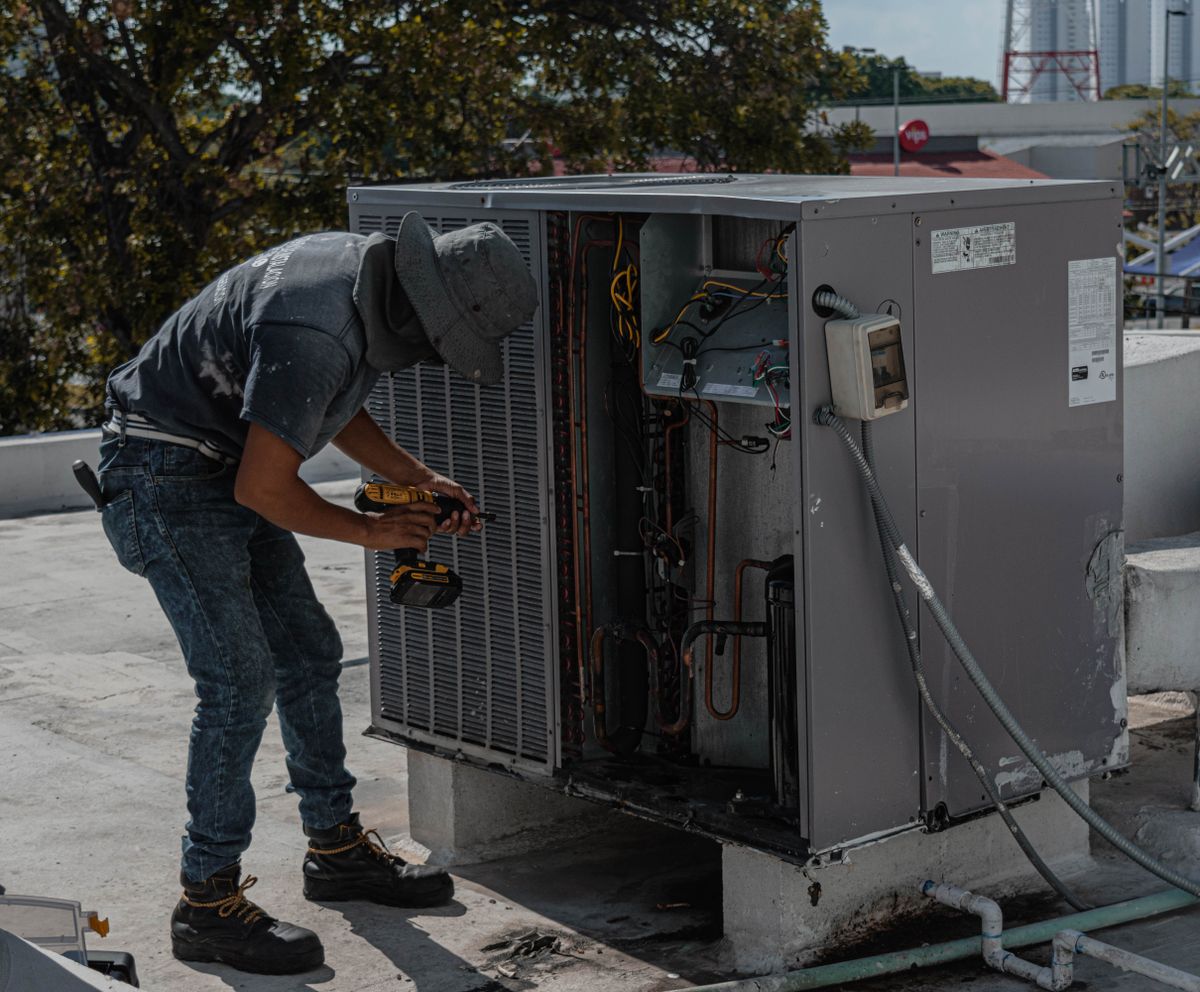
A home service virtual receptionist is the difference between a ringing phone that becomes a booked job and a ringing phone that becomes a competitor's win. Roofers, electricians, HVAC techs, and plumbers cannot answer every call when they are under a sink, on a ladder, or knee-deep in a crawl space. But the homeowner calling does not know or care that you are busy. They want someone to pick up, understand their problem, and get them on the schedule.
Searches for virtual receptionist for home services, virtual receptionist for contractors, and live answering for service businesses spike because owners feel the leak every busy week. The phone rings, nobody answers, and the caller tries the next company on Google. That cycle repeats dozens of times a month during peak season.
This guide explains what a home service virtual receptionist should do, why generic AI answering often falls short, how to compare options, and how to roll out coverage without disrupting the way your team works today. The goal is simple: every call gets answered, every qualified caller gets booked, and you stay focused on the work that earns revenue.
Why missed calls are the most expensive problem in home services
The economics of a missed call in home services are brutal. If your average job is worth several hundred dollars and your close rate on answered calls is anywhere above 50 percent, each missed call represents well over a hundred dollars in lost revenue. During peak season, when call volume spikes and every tech is busy, the losses compound quickly.
Marketing makes it worse. You already paid to make that phone ring, whether through Google Ads, LSA, a truck wrap, or a referral program. When the call goes unanswered, that investment produces zero return. The competitor who picks up gets the job, the review, and potentially a lifetime customer.
The most frustrating part is invisibility. Missed calls do not show up on your P&L as a line item. You see the marketing spend but not the jobs you lost because nobody answered. It takes deliberate tracking to see the size of the leak, and by then most owners realize they have been losing significant revenue for years.
Receptionist outcomes that actually matter
A virtual receptionist is only valuable if they produce outcomes, not just activity. Here are the results that should matter to a home service business.
- Answer in your brand voice with your script, so the caller thinks they reached your office
- Book the appointment in your real calendar or scheduling tool, not on a sticky note
- Capture job notes techs actually need: address, issue description, access instructions, and urgency level
- Send confirmation and reminder texts so the homeowner does not double-book a competitor
- Escalate true emergencies immediately to your on-call tech or owner
- Log every call with outcome and tags so your office has full visibility the next morning
If your answering partner is only taking messages and emailing them to you, they are not a receptionist. They are a voicemail system with a pulse. The bar should be booking, not message-taking.
What good virtual receptionist coverage looks like vs. bad coverage
Good coverage sounds like your office on its best day. The caller hears your company name, gets qualifying questions that show the person understands home services, and hangs up with a confirmed appointment and a text confirmation. The experience is seamless.
Bad coverage sounds like a generic call center. The caller hears a bland greeting, gives their information, and is told someone will call back. In a category where urgency drives decisions, 'someone will call back' is equivalent to 'call the next company.' Most homeowners will.
The difference comes down to three things: script quality, tool access, and domain knowledge. A receptionist who works in ServiceTitan and knows the difference between a routine service call and a gas leak produces better outcomes than one who is reading from a generic script across dozens of industries.
Why AI-only answering often falls short
AI phone tools can help with overflow and simple routing, but homeowners in urgent situations still abandon confusing phone trees and robotic interactions. A burst pipe does not pair well with 'press one for scheduling, press two for billing.' Many owners who start with AI answering end up searching for a human option after watching abandonment rates climb.
The winning model for home services is usually human coverage with clear SOPs, backed by AI workflows for reminders, logging, and reporting. The human handles the live conversation, the booking, and the empathy. The system handles the confirmation text, the calendar entry, and the morning report. Together, they produce better results than either alone.
There is a place for AI in the workflow, but it is behind the scenes, not on the front line of an emergency call where the homeowner needs to feel heard and helped immediately.
Hiring a receptionist vs. using a virtual receptionist service
An in-house receptionist solves daytime coverage, but the costs are real: salary, benefits, training, PTO, and the risk of a single point of failure. When your one receptionist is sick, at lunch, or quits, you are back to missed calls. And in-house staff rarely cover evenings, weekends, or holidays without overtime.
A virtual receptionist service provides coverage that scales with your needs. During slow months, you pay for less. During peak season, capacity is already trained and ready. There is no ramp-up period, no PTO gap, and no risk of losing your only phone person.
Many successful home service companies use a hybrid approach: a strong office manager who handles in-person work and complex issues, supported by virtual receptionist coverage for phone overflow, after-hours calls, and weekend inquiries.
Implementation playbook
You can roll out a virtual receptionist for your home service company in about a week. Here is the step-by-step approach.
- Write or refine your call script: greeting, qualifying questions, booking rules, emergency escalation triggers
- Grant scheduling tool access with clear permissions
- Define emergency vs. routine criteria for your specific trades
- Set up call forwarding rules: overflow only, after-hours only, or all inbound depending on your model
- Run a pilot week with daily call log reviews to refine scripts and triage
- Expand coverage windows once quality is confirmed
Common mistakes to avoid
The most expensive mistake is choosing a receptionist service based on price alone without evaluating call quality. A low-cost shared service that handles hundreds of accounts will never learn your business well enough to sound like your team. The savings on the monthly bill get swallowed by lost jobs from poor call handling.
Another mistake is failing to define emergency criteria. If everything is urgent, your on-call tech gets burned out on non-emergencies. If nothing is urgent, real emergencies go unaddressed overnight. Clear, written triage rules solve both problems.
Finally, some owners set up a receptionist and never review the data. If you are not tracking calls answered, jobs booked, and customer feedback, you have no way to know if the investment is working.
Tools and systems that make it work
Your receptionist should work in your existing tools. ServiceTitan, Housecall Pro, Jobber, GorillaDesk, and Google Calendar all support booking by trained operators. SMS platforms for confirmation texts, CRM tools for customer records, and call recording systems for quality review complete the stack.
The key principle is shared systems. When the receptionist books in your real calendar, your techs see the job. When they log the call in your CRM, your office has the record. No spreadsheets, no email chains, no manual reconciliation.
How to measure success
Track answered rate, jobs booked from inbound calls, average speed of answer, and customer satisfaction on phone interactions. Pull baseline numbers before launch so you have a real comparison.
Within 30 days, you should see a measurable improvement in answered rate and booked jobs. If you do not, investigate script quality, call routing, and booking permissions. Within 60 days, the system should be running smoothly enough to consider expanding coverage to additional time windows or adding outbound follow-up workflows.
30-60 day rollout expectations
Week one is setup and training. Week two is supervised live calls. By week three, your receptionist should be handling calls independently with daily check-ins. By day 30, you should have performance data and a clear picture of ROI.
Between day 30 and day 60, optimize scripts, expand coverage hours, and add workflows like estimate follow-up or review requests if the core answering function is solid. By the end of month two, the receptionist should feel like a permanent part of your team.
What about customers who want to speak directly to the owner?
Some callers will ask for you by name. A well-trained receptionist handles this smoothly: 'The owner is currently on a job. I can book a time for them to call you back, or if this is urgent, I can get a message to them right now.' This approach respects the caller's preference while protecting your productive time on the job site.
The reality is that most callers do not need the owner. They need someone who answers quickly, understands their problem, and gets them scheduled. When that happens consistently, customer satisfaction goes up, not down, because responsiveness matters more than who specifically picks up the phone.
How Northlane helps
Northlane provides virtual receptionist and customer operations support for home service companies: live answering, booking, dispatch coordination support, and follow-up so on-site work does not mean missed revenue. Our team works in your scheduling tools and follows your scripts, so every call feels like your office answered.
If you are tired of losing jobs to voicemail while you are on a roof or under a house, we can plug in dedicated coverage that scales with your season and your call volume. No generic call center, no shared queues, just trained support that books jobs.
Want this handled for you?
Northlane gives home service businesses dedicated operations support so the work gets done without adding headcount.